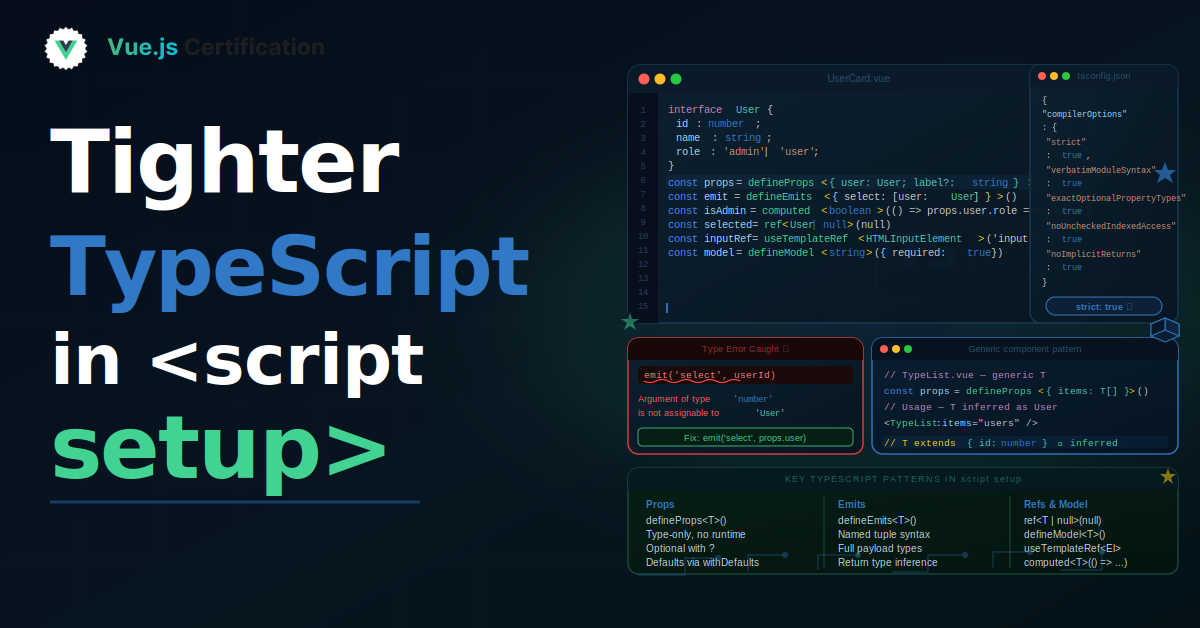
Tighter TypeScript in <script setup>
Certificates.dev

As applications grow, maintaining a clean architecture becomes increasingly difficult. At first, everything feels manageable but after a few months (or years), projects often become full of: circular dependencies deeply coupled modules messy import paths forbidden cross-layer imports architectural chaos The worst part is that these problems usually grow silently over time. This is where dependency-cruiser becomes incredibly useful. It helps you visualize and enforce rules for your project dependencies before things become unmaintainable. In this article, we’ll explore: What dependency-cruiser is What problems it solves How to set it up Practical examples How to enforce architectural boundaries Let’s dive in. 🤔 What Is dependency-cruiser? dependency-cruiser is a powerful tool for analyzing and validating dependencies in JavaScript and TypeScript projects. It scans your project imports and helps you: detect circular dependencies enforce architecture rules visualize dependency graphs identify unused modules prevent bad import patterns Think of it like: 👉 “ESLint for your project architecture.” 🟢 What Problem Does dependency-cruiser Solve? In large applications, dependencies can quickly become messy. Example problems: ❌ Circular dependencies A → B → C → A These can cause: runtime issues undefined values difficult debugging unpredictable behavior ❌ Layer violations Example: components → api → components Or: ui → backend → ui This breaks separation of concerns. ❌ Shared modules becoming dumping grounds You often end up with: /utils /shared /helpers containing everything. Over time: dependencies become tangled architecture loses structure ✅ dependency-cruiser helps enforce boundaries You can define rules like: “UI cannot import backend” “Feature modules cannot depend on each other” “No circular dependencies allowed” And automatically validate them in CI. 🟢 Installing dependency-cruiser Setup is very simple. Install it: npm install --save-dev dependency-cruiser 🟢 Generating Your First Dependency Graph One of the coolest features is visualization. Example: npx depcruise src --include-only "^src" --output-type dot | dot -T svg > dependency-graph.svg This generates a visual graph of your project dependencies. You can quickly spot: circular dependencies overly connected modules problematic architecture In large projects, this is incredibly eye-opening. 🟢 Creating Rules The real power comes from architecture validation. Example config: module.exports = { forbidden: [ { name: 'no-circular', severity: 'error', from: {}, to: { circular: true } } ] } Now dependency-cruiser will fail whenever circular dependencies appear. 🟢 Real-World Example: Enforcing Layered Architecture Imagine this structure: src/ ├── components/ ├── features/ ├── api/ ├── utils/ You may want: 👉 components should never import from api Rule example: module.exports = { forbidden: [ { name: 'no-components-to-api', from: { path: '^src/components' }, to: { path: '^src/api' } } ] } Now architecture rules become automated. This is extremely valuable for: large teams enterprise projects monorepos long-term maintainability 🟢 Using dependency-cruiser with Vue Projects dependency-cruiser works great with: Vue Nuxt React Angular Node.js TypeScript monorepos For Vue apps, it’s especially useful when managing: composables feature modules shared UI components store architecture layered frontend structure Example issue it can prevent: components → composables → components Which can become very difficult to maintain later. 🟢 CI Integration One of the best things about dependency-cruiser: 👉 It can run automatically in CI/CD pipelines. Example: npx depcruise src --validate .dependency-cruiser.js Now pull requests fail when architecture rules are violated. This prevents technical debt from growing silently. 🟢 Common Mistakes ❌ Creating overly strict rules too early Start simple. Too many restrictions can frustrate teams. ❌ Ignoring the reports The tool is only useful if rules are actually enforced. ❌ Not visualizing dependencies Graphs often reveal architecture problems immediately. ❌ Allowing shared folders to grow uncontrollably dependency-cruiser helps expose this early. 🧪 Best Practices Start with circular dependency detection Gradually add architectural rules Integrate validation into CI Use dependency graphs regularly Keep rules aligned with real architecture decisions Avoid massive shared utility folders Use the tool proactively — not only after problems appear 📖 Learn more If you would like to learn more about Vue, Nuxt, JavaScript or other useful technologies, checkout VueSchool by clicking this link or by clicking the image below: It covers most important concepts while building modern Vue or Nuxt applications that can help you in your daily work or side projects 😉 🧪 Advance skills A certification boosts your skills, builds credibility, and opens doors to new opportunities. Whether you're advancing your career or switching paths, it's a smart step toward success. Check out Certificates.dev by clicking this link or by clicking the image below: Invest in yourself—get certified in Vue.js, JavaScript, Nuxt, Angular, React, and more! ✅ Summary dependency-cruiser is an incredibly valuable tool for keeping project architecture healthy as applications grow. Good architecture rarely happens accidentally. Tools like dependency-cruiser help teams maintain structure, reduce technical debt, and prevent dependency chaos before it becomes a serious problem. Take care! And happy coding as always 🖥️
Continue reading on the original site